
On-Page SEO Checklist For 2026
Introduction
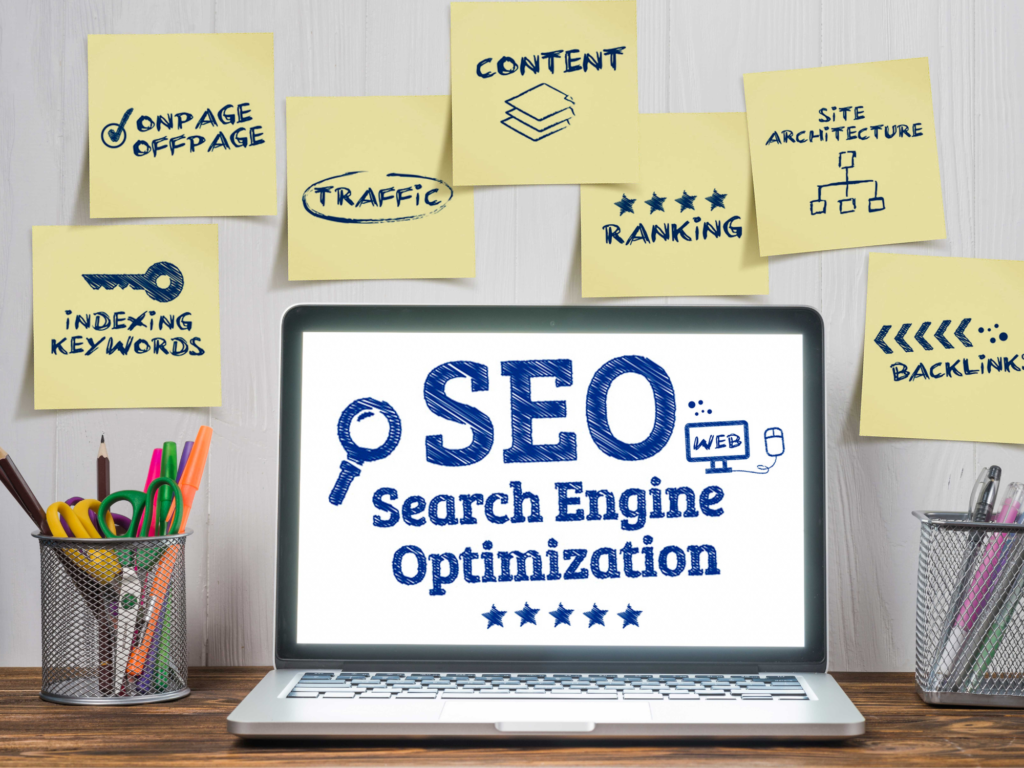
On-page SEO remains one of the most effective ways to improve your website’s visibility on search engines. While search engine algorithms continue to evolve, the fundamentals of optimizing individual web pages are more important than ever. A well-optimized page not only helps search engines understand your content but also provides a better experience for users. Whether you’re a business owner, blogger, or digital marketer, following a comprehensive on-page SEO checklist can help improve your rankings, increase organic traffic, and enhance user engagement. This guide covers the essential on-page SEO practices you should implement in 2026.
1.Keyword Research.
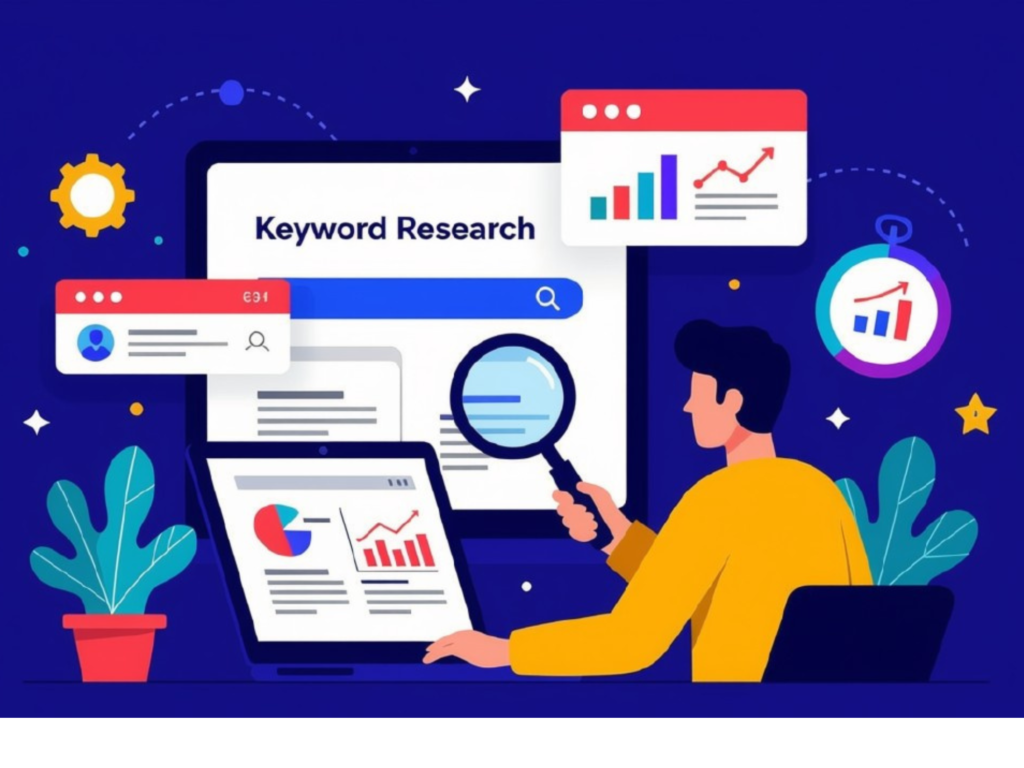
Every successful SEO strategy begins with thorough keyword research. Before writing your content, identify a primary keyword that reflects what your target audience is searching for. You should also include a few related or secondary keywords to help search engines understand your topic better. Place these keywords naturally in your headings, introduction, and throughout the content without overusing them. The goal is to create content that answers users’ questions while matching their search intent.
2.SEO Friendly Title Tag
Your title tag is one of the first things users notice in Google search results, making it a crucial ranking factor. Write a title that clearly explains your page while including your primary keyword naturally. Keep the title between 50 and 60 characters so it doesn’t get cut off in search results. A compelling title encourages more people to click on your page, improving your click-through rate (CTR). Always make your title informative, relevant, and easy to understand.
3.Write a compelling Meta Description.
A meta description gives users a brief summary of what your page is about before they click on it. Although it isn’t a direct ranking factor, a well-written description can significantly improve your click-through rate. Keep it between 150 and 160 characters and include your main keyword naturally. Focus on explaining the value readers will get from your content. A clear and engaging meta description increases the chances of attracting the right audience.
4.Use Proper Heading Structure (H1,H2 & H3).
A clear heading structure makes your content easier to read and helps search engines understand its organization. Every page should have only one H1 tag, which represents the main title. Use H2 headings for major sections and H3 headings for supporting information within those sections. This logical structure improves readability and keeps visitors engaged. Well-organized content also increases the chances of ranking for multiple search queries.
5.Create High-Quality Content.
Quality content remains the foundation of SEO. Focus on answering your reader’s questions with accurate, helpful, and original information. Keep your paragraphs short, use simple language, and update older content regularly to keep it relevant.
6. Optimize Images
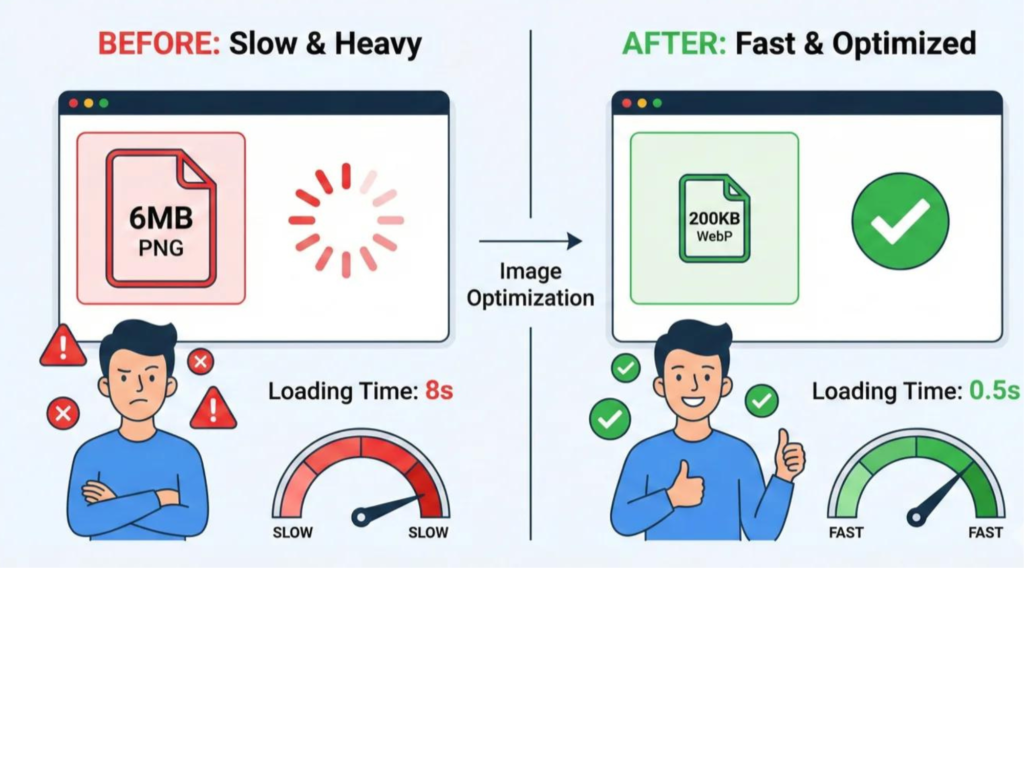
Images make your content more engaging, but large files can slow down your website. Compress your images before uploading, use descriptive file names, and always add meaningful alt text. Well-optimized images improve both page speed and accessibility.
Before VS After Image Optimization
7.Add Alt Text to Images
Alt text, also known as alternative text, helps search engines understand what an image represents. It also improves accessibility by allowing screen readers to describe images to visually impaired users. Keep your alt text short, descriptive, and relevant to the image. Avoid stuffing keywords into every image description, as this can negatively affect SEO. Well-written alt text also helps your images appear in Google Images search results.
8.Add Internal Links
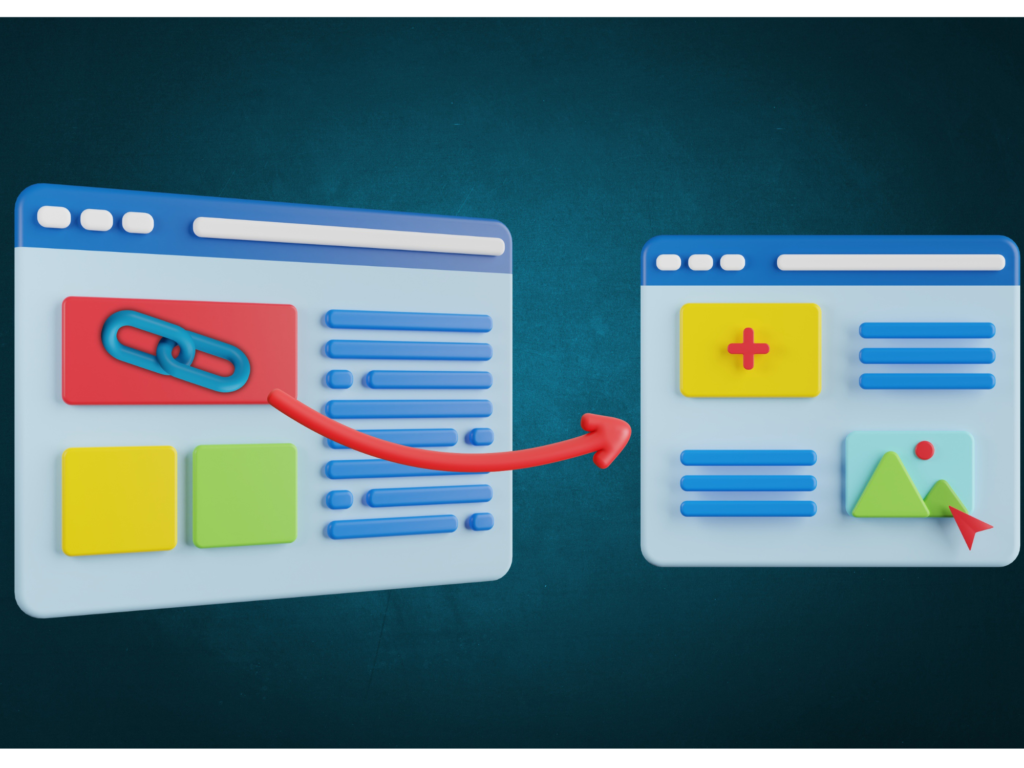
Internal links connect one page of your website to another, making it easier for visitors to discover related content. They also help search engines crawl your website more efficiently and understand the relationship between your pages. Link to relevant blogs, service pages, or important resources whenever it adds value to the reader. Avoid adding too many links just for the sake of SEO. A thoughtful internal linking strategy improves navigation and keeps users on your website longer.
9.Add External Links
External links point to trusted websites that provide additional information or support your content. Linking to authoritative sources helps improve the credibility of your article and builds trust with readers. Choose reliable websites with accurate and up-to-date information. Make sure the external links are relevant to the topic you’re discussing. Quality is always more important than quantity when adding external links.
10.Improve Page Speed
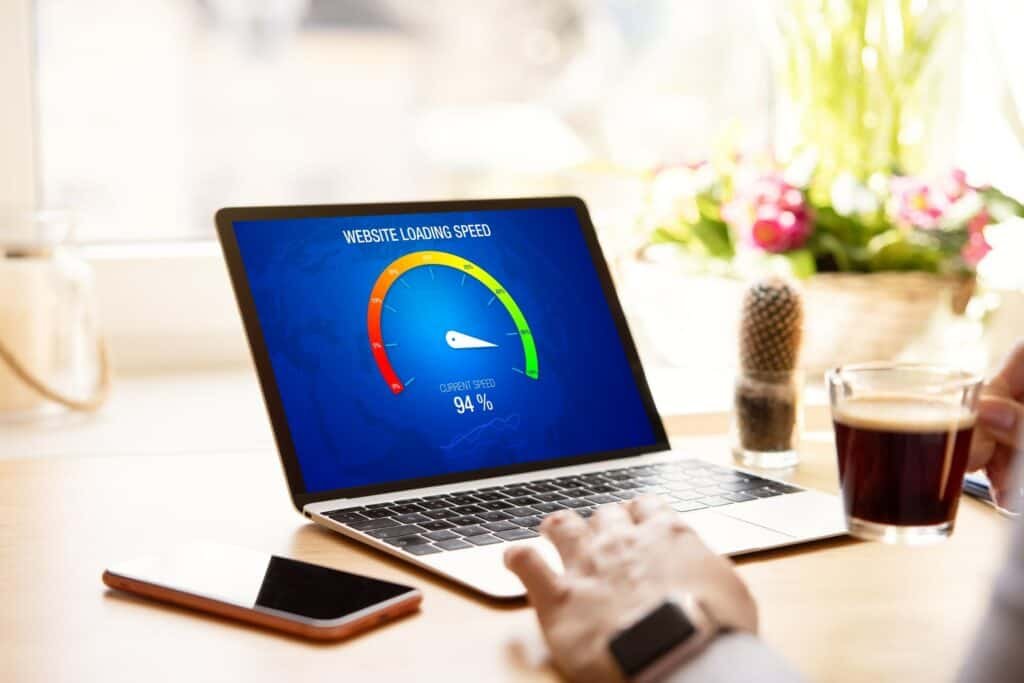
Website speed is an important ranking factor because users expect pages to load quickly. A slow website often leads to higher bounce rates and lower user satisfaction. Compress images, remove unnecessary plugins, enable browser caching, and use reliable hosting to improve performance. You can also test your website using tools like Google PageSpeed Insights. A fast website provides a better experience for users and supports stronger SEO results.
13.Make Your Website Mobile-Friendly.
Majority of internet users now browse websites on their smartphones, making mobile optimization essential. Your website should automatically adjust to different screen sizes and remain easy to navigate. Ensure buttons are easy to tap, text is readable, and images display correctly on mobile devices. Google primarily uses the mobile version of a website for indexing and ranking. A responsive design improves both usability and search engine performance.
12.Add Schema Markup.
Schema markup is a type of structured data that helps search engines understand your content more effectively. It can improve how your pages appear in search results by enabling rich snippets such as star ratings, FAQs, or review information. While schema doesn’t directly increase rankings, it can improve visibility and click-through rates. Use the appropriate schema type based on your content. Implementing structured data gives search engines more context about your website.
13.Include a Clear Call-to-Action (CTA)
End every page with a clear call-to-action (CTA). Encourage visitors to take the next step, such as contacting you, reading another blog, subscribing to your newsletter, or exploring your services. Keep it short, natural, and helpful to guide users through your website.


In case of any service based business the above CTA can be used.